A new issue on Windows 11 causes a red screen to appear in games, as reported by Windows Latest.
Microsoft admitted the issue, linking it to the optional update KB5064081 released in August. The company stated that after installing this update, certain videos and games may display an undesired red tint.
Experts indicate that the issue might be connected to a system color rendering conflict, especially when adjusting brightness in HDR mode.
Before we delve into detailed explanations, refer to a table summarizing this issue on Windows 11.
| Topic | Description |
|---|---|
| Main problem | Screen with reddish tone in games and videos on Windows 11. |
| Cause of the problem | Installation of the optional update KB5064081, August. |
| Technical explanation | Default in rendering system colors, possibly in HDR brightness settings. |
| Available solution | Optional update KB5067036 fixes the red screen problem. |
| Final solution | Correction for all users in scheduled patch for November (this month). |
| Another fixed failure | Partly responsive screen content with full-screen apps in the background. |
| New problem reported | Task Manager does not close correctly after the new update. |
| Final recommendation | Wait for the next mandatory update to avoid current bugs. |
Red screen fix is currently accessible.
Microsoft released the red screen solution as an optional update, KB5067036, following the information provided earlier.
The company intends to expand the fix to all users in the upcoming security updates set for this month.
The latest W11 update not only fixes the color issue but also introduces a revamped Start menu and addresses other minor system issues.
Windows 11 update was found to have additional issues.
Microsoft acknowledged another issue in recent versions of Windows 11 besides the color problem, which affects screen updates when a full-screen application such as a game is running in the background.
Apps and browsers may show partially responsive content on the screen while other maximized programs are being updated in the background, according to the company.
The issue becomes clearer while scrolling, as only certain parts of the window are refreshed accurately.
Read further
The new issues are brought by the KB5067036 Windows 11 update
While the KB5067036 patch addresses various issues, it is not without problems as a newly reported bug post-installation hinders the Task Manager from closing correctly.
Microsoft is consistently reviewing reports in order to offer additional solutions in future updates.
Users who are not interested in the new Start menu or the specific fixes in this update are advised to hold off until the next required update, which is expected to provide increased stability.
What did you think of the news? Share your opinion in this post and keep following Adrenaline!
PC World is where the information comes from.
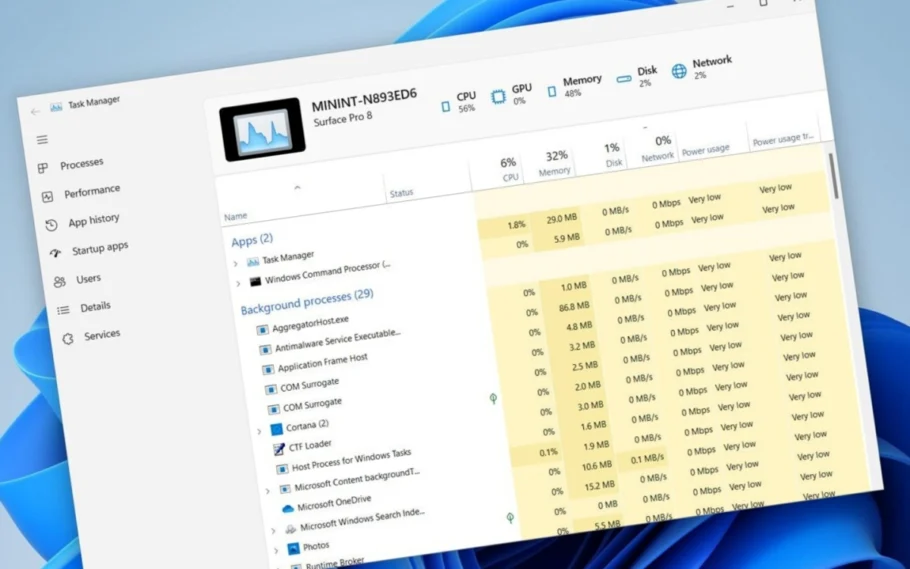
Another day, another error
Windows 11 bug prevents Task Manager closure.